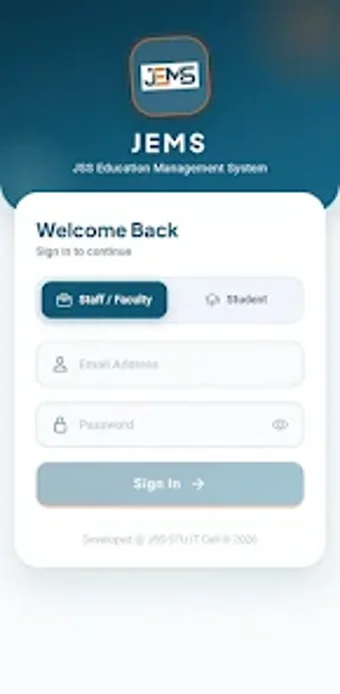
Mobile campus hub for students and staff at JSSSTU
JEMS (JSSSTU Enterprise Management System) from JSS Science and Technology University is a mobile campus management app that centralizes administrative and academic tasks for the university community. The app lets users access admissions, examinations, attendance, leave, and notices through a single Android interface, with live data synchronization and role-based permissions. It targets undergraduate and postgraduate students, faculty, and administrative staff who need on-the-go access to official university records and approvals.
What is JEMS used for within a university workflow?
JEMS serves as a single access point for campus services by combining admissions, examinations, HR, and finance modules into one mobile interface. The app connects directly to live enterprise records, so students can view attendance and results and staff can handle payroll and leave, reducing the need to switch between separate portals.
How does the app support learning progress and academic oversight?
JEMS exposes measurable academic data to learners through real-time attendance tracking and internal assessment marks. Students can monitor class attendance on the go and view semester results inside the app, which supports timely course attendance decisions and academic follow-up without requiring desktop access.
Is the app appropriate for faculty and administrative workflows?
Role-based access tailors the interface for staff versus students, enabling faculty to process approvals and post notices while administrative users manage HR and finance tasks. The rebuilt leave application system accepts document uploads and shows approval status, which maps to common campus administrative workflows.
Can the app be customized and kept current for the campus community?
In-house development enables campus-specific alignment: the IT Cell built the app to meet JSSSTU requirements and the Android build is updated regularly for compatibility. A searchable department directory and digital noticeboard supply campus-specific content, while Google Sign-In offers an alternate authentication route for convenience.
Useful institutional tool for on-campus academic management
JEMS is a practical option for JSSSTU students and staff who need immediate access to official records and administrative actions on Android devices. Its live data links and role-based permissions make it suitable for routine academic monitoring and office workflows. Expect a utility that supports daily campus operations rather than a general public education app.